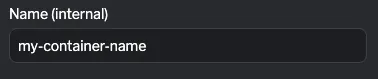
Overview
Instruqt labs can be managed in two ways: through the user interface (UI flow) or directly in the lab’s code repository (Code flow). Editing via code offers the full flexibility of HCL, while the UI provides a user-friendly experience for quick access to common settings.
Both methods are fully synchronized and version controlled — changes made in one are immediately reflected in the other. You can review the complete history of changes in the Version Control section.
Start Editing
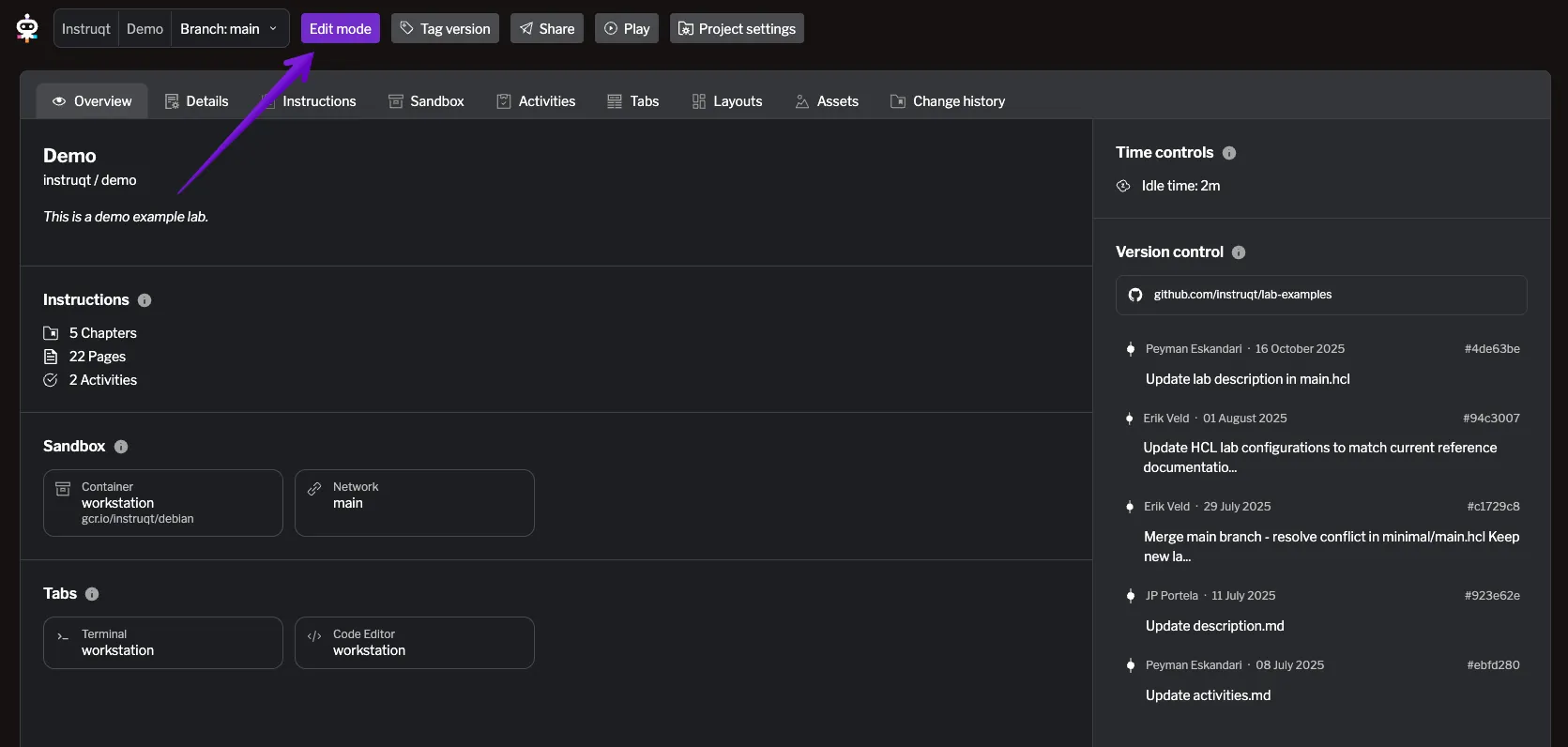
Section titled “Start Editing”When you open a lab, it starts in read-only mode. To make changes, click the Edit mode button in the top bar — this button is available on every page of the lab editing UI.
Once in edit mode, you can modify any editable field, review your changes, and choose to save them to a separate branch or merge them into the main branch. For more details on managing changes and branches, see the Version Control section.
Non-Editable Fields
Section titled “Non-Editable Fields”When editing your lab through code, you can use advanced HCL features such as references, expressions, and variables. If a field uses any of these features, it becomes non-editable in the UI. These fields are shown with a greyed-out input box and a short explanation.
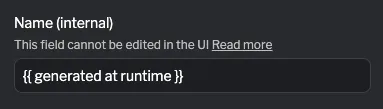
To edit these fields, you should edit hcl source files. If you change the value to a static value in code, the field will become editable in the UI again. All values created through the UI are static and can be edited both in the UI and in code.
Examples
Section titled “Examples”| UI Example | HCL Example |
|---|---|
| |
| |