
Secrets
A Secret resource lets you reference a sensitive value stored in your team’s settings and make it available within your lab sandbox. Instead of hardcoding credentials, API keys, or tokens in your configuration, you can reference secrets by name and inject their values securely into containers, scripts, and other resources.
For more information on the secret sandbox resource, please refer to the Secret Reference documentation.
Adding a Secret resource
Section titled “Adding a Secret resource”Secret resources can be created in the Sandbox tab. To add a new Secret resource, navigate to the Sandbox tab and click the + button. Select Secrets from the dropdown menu.
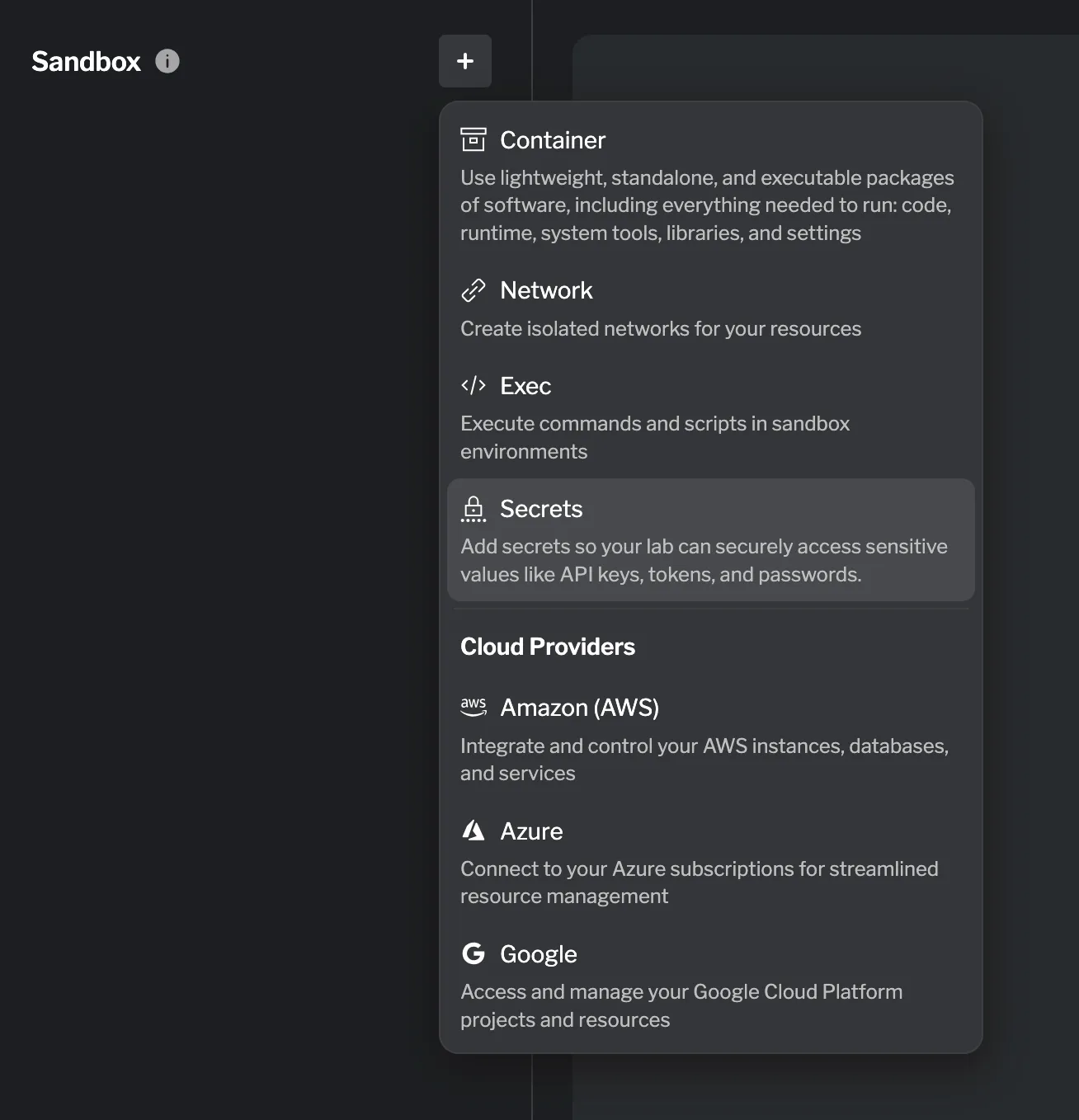
A drawer opens listing all secrets available to your team. Select the secret you want to add to the lab.
Once added, the secret’s value will be accessible in other resources via resource.secret.<name>.value.
Managing secrets
Section titled “Managing secrets”All secrets added to a lab are grouped together as a single entry in the Sandbox list, showing the total of secrets added — for example, 1 secret. Clicking that entry expands the list of secrets currently in use by the lab.
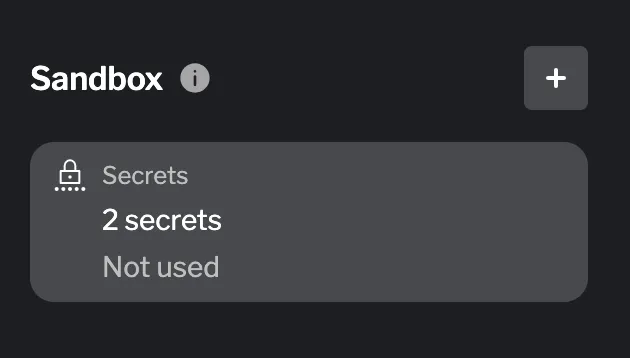
To add another secret, click the + button within the secrets list. This opens the same selection drawer, allowing you to pick an additional secret from the ones available to your team.
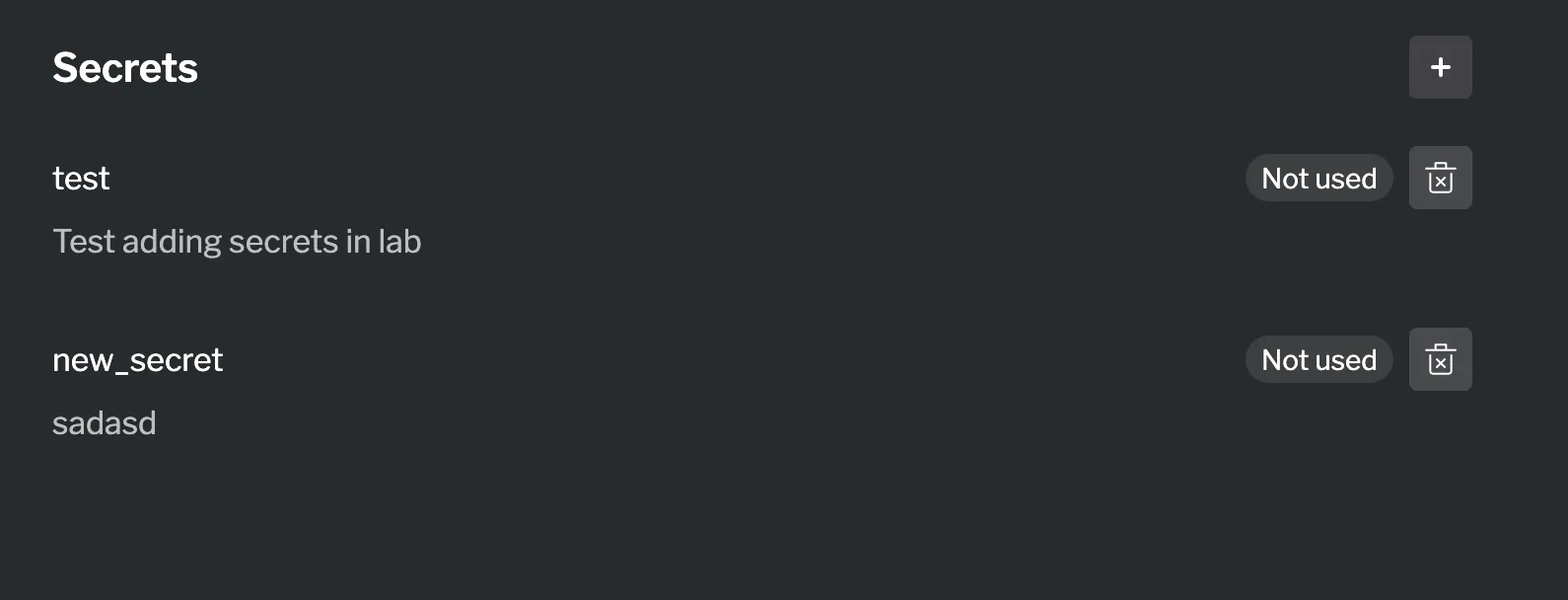
Using the secret value
Section titled “Using the secret value”Once a Secret resource is configured, its resolved value can be referenced in other sandbox resources. Common uses include:
- Environment variables — Pass the secret value to a container or exec resource as an environment variable.
- Image authentication — Use a secret as the password when pulling from a private container registry.
- Script execution — Inject secrets into exec scripts via environment variables to avoid exposing them in the script body.
Summary
Section titled “Summary”Secret resources allow you to safely reference team-managed sensitive values in your lab sandbox without hardcoding credentials in your configuration. You can use secrets to inject API keys, passwords, and tokens into containers, scripts, and other resources — keeping sensitive data centralized and out of your lab files.