
Editor Tabs
Editor tabs provide a browser-based code editor with support for multiple workspaces. Users can edit files from your local filesystem or directly from containers.
Creating an Editor Tab
Section titled “Creating an Editor Tab”To create an editor tab:
- Navigate to the Tabs section in your lab editor
- Click Add Tab and select Editor from the dropdown
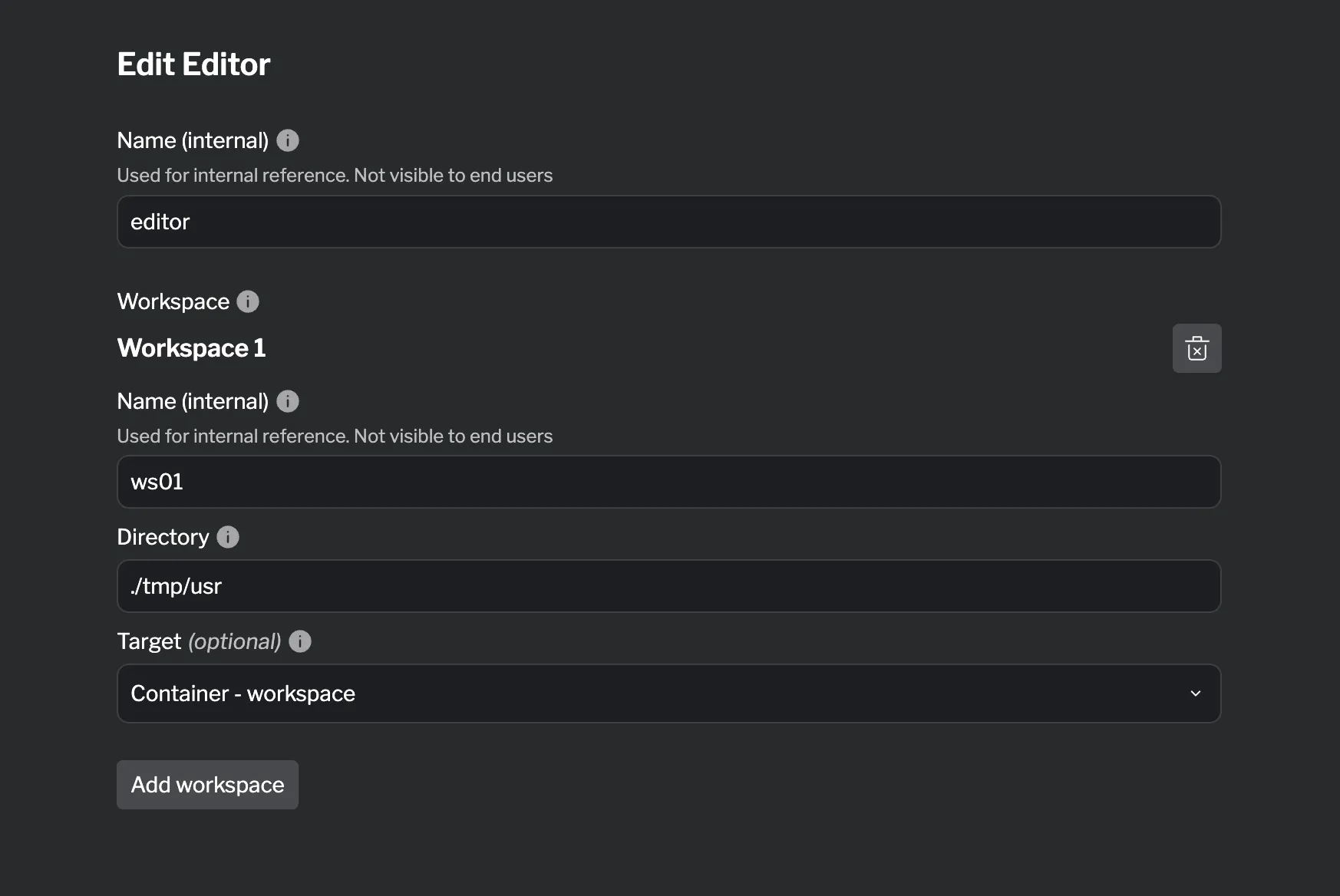
- Configure the editor settings and add workspaces
Supported Fields
Section titled “Supported Fields”| Field | Required | Description |
|---|---|---|
| Name (internal) | ✓ | Used for internal reference. Not visible to end users |
Workspace Block Fields
Section titled “Workspace Block Fields”| Field | Required | Description |
|---|---|---|
| Name (internal) | ✓ | Used for internal reference. Not visible to end users |
| Directory | ✓ | Path to directory to expose |
| Target | Container to access files from (optional) |
Reference
Section titled “Reference”For detailed HCL reference information, see the Editor Reference.