
External Website Tabs
External website tabs embed external documentation, cloud consoles, or online tools directly in your lab interface. This keeps users focused on the lab without switching browser tabs.
Creating an External Website Tab
Section titled “Creating an External Website Tab”To create an external website tab:
- Navigate to the Tabs section in your lab editor
- Click Add Tab and select External Website from the dropdown
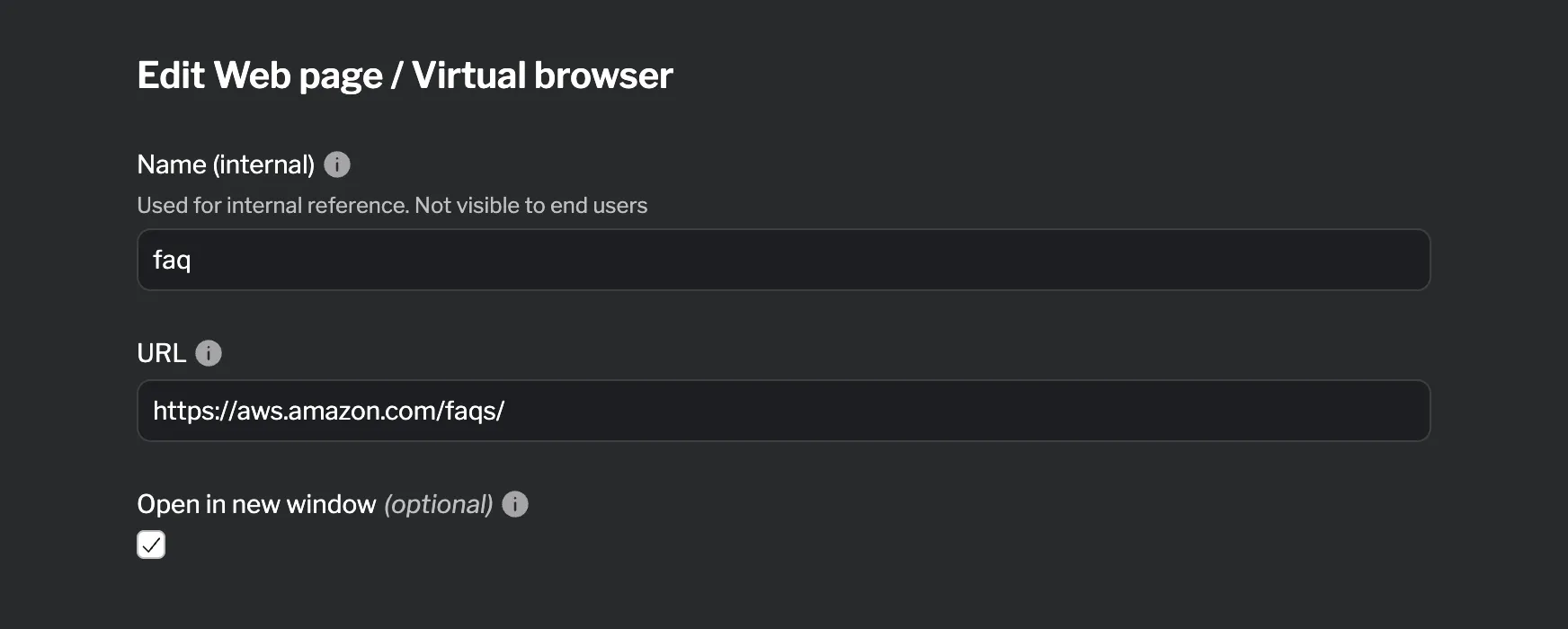
- Configure the external website settings
Supported Fields
Section titled “Supported Fields”| Field | Required | Description |
|---|---|---|
| Name (internal) | ✓ | Used for internal reference. Not visible to end users |
| URL | ✓ | URL of external website (must use HTTPS) |
| Open in new window | Open in new browser window (default: false) |
Reference
Section titled “Reference”For detailed HCL reference information, see the External Website Reference.