
Creating Tabs
Tabs are interactive UI elements that display different types of content in your lab interface. They provide access to terminals, web applications, code editors, external documentation, and reference materials. Tabs help organize your lab environment by allowing users to switch between multiple tools and resources without cluttering the interface.
You configure tabs within layout resources, which define how your lab’s interface is structured and what tools users have access to.
The Instruqt platform supports the following tab types:
- Terminal - Interactive command-line access to containers
- Service - Web applications and HTTP/HTTPS services
- Editor - Browser-based code and file editor
- External Website - Embedded external documentation and tools
- Note - Static reference materials and documentation
- Cloud Credentials - Cloud provider credentials display
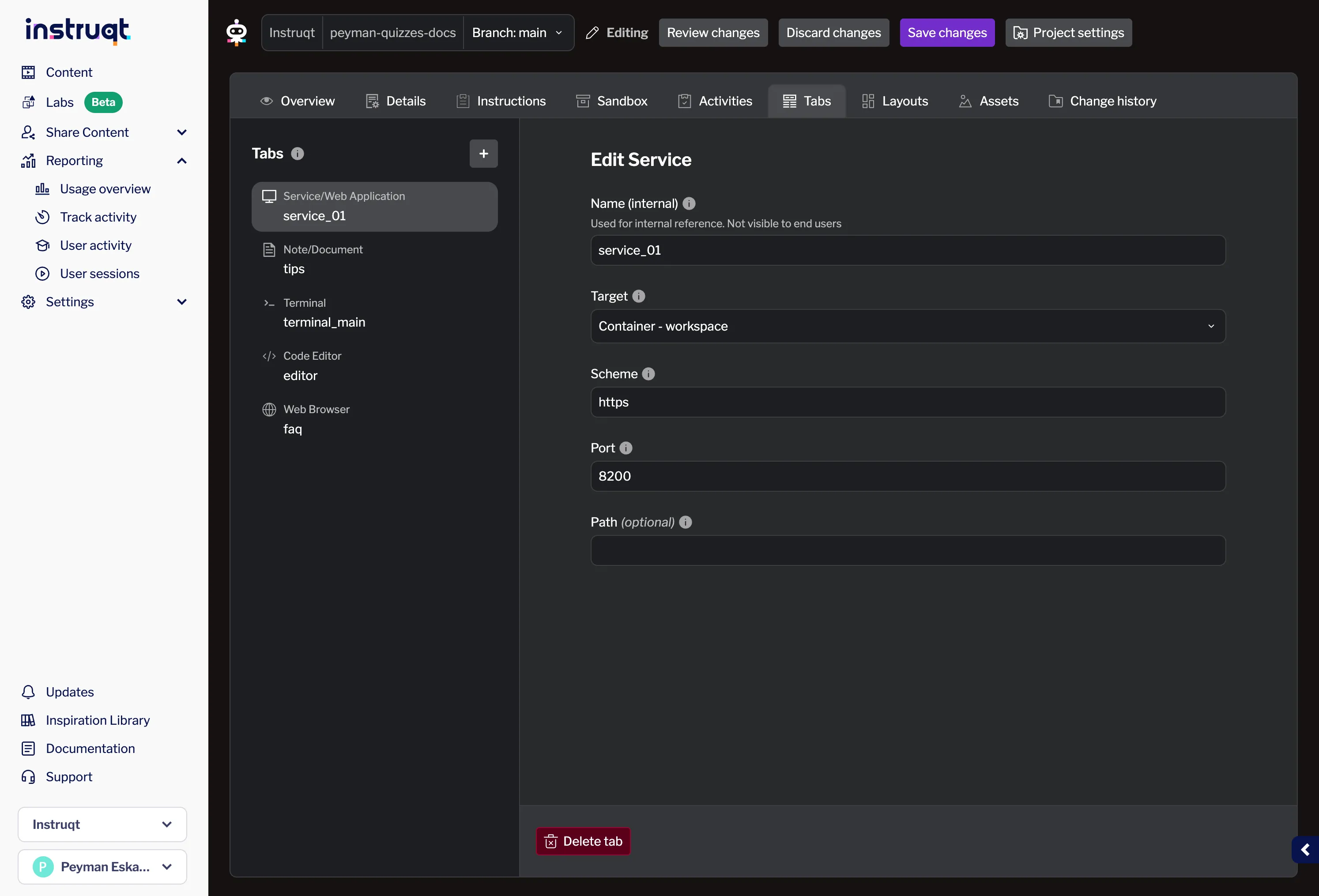
Adding Tabs
Section titled “Adding Tabs”When adding a new tab, you can choose from the available tab types:
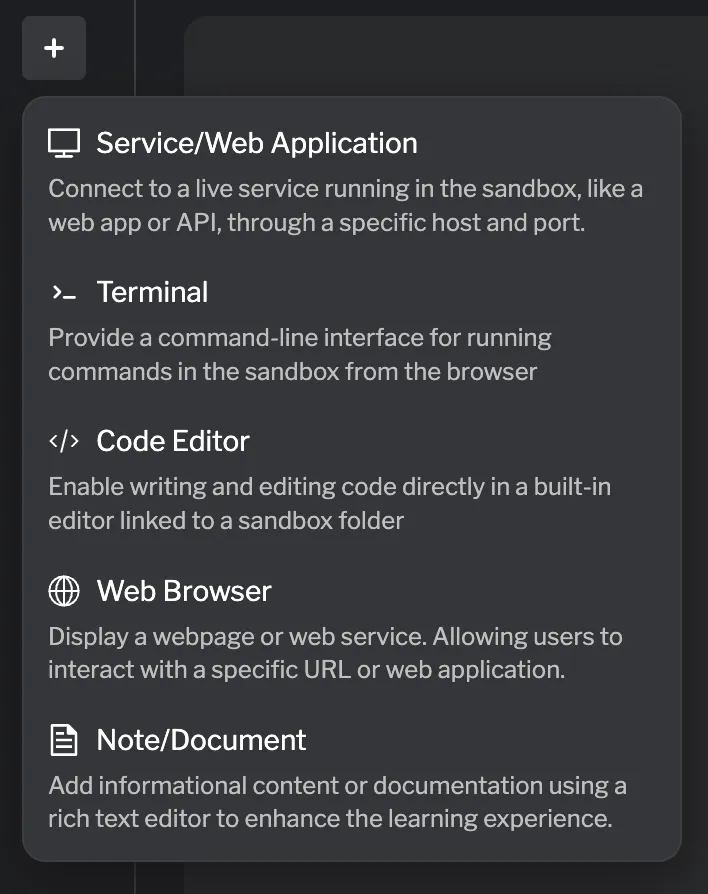
For detailed information about each tab type, see the individual documentation pages linked above.
Using Tabs in Layouts
Section titled “Using Tabs in Layouts”After creating your tab resources (terminal, service, editor, etc.), you add them to your lab interface through layouts. For detailed instructions on adding tabs to layouts, see Adding Tabs to a Layout.
Reference Documentation
Section titled “Reference Documentation”For detailed HCL reference information about each tab type, see: