
Research Overview
Research is the starting point for generating labs with AI. Before the AI can write a lab, it needs to understand who the lab is for and what it’s about. Research is where you build that understanding: you point Instruqt at a company or product, an AI agent crawls public sources, and the result is a structured profile you can review, refine, and publish.
Published research becomes the context the AI draws on when you generate a lab. Without it, the AI has no grounding in your business, your products, or your brand — which is why research is a prerequisite for AI lab generation.
You’ll find research under Research in the management interface (/manage/<organization>/research).
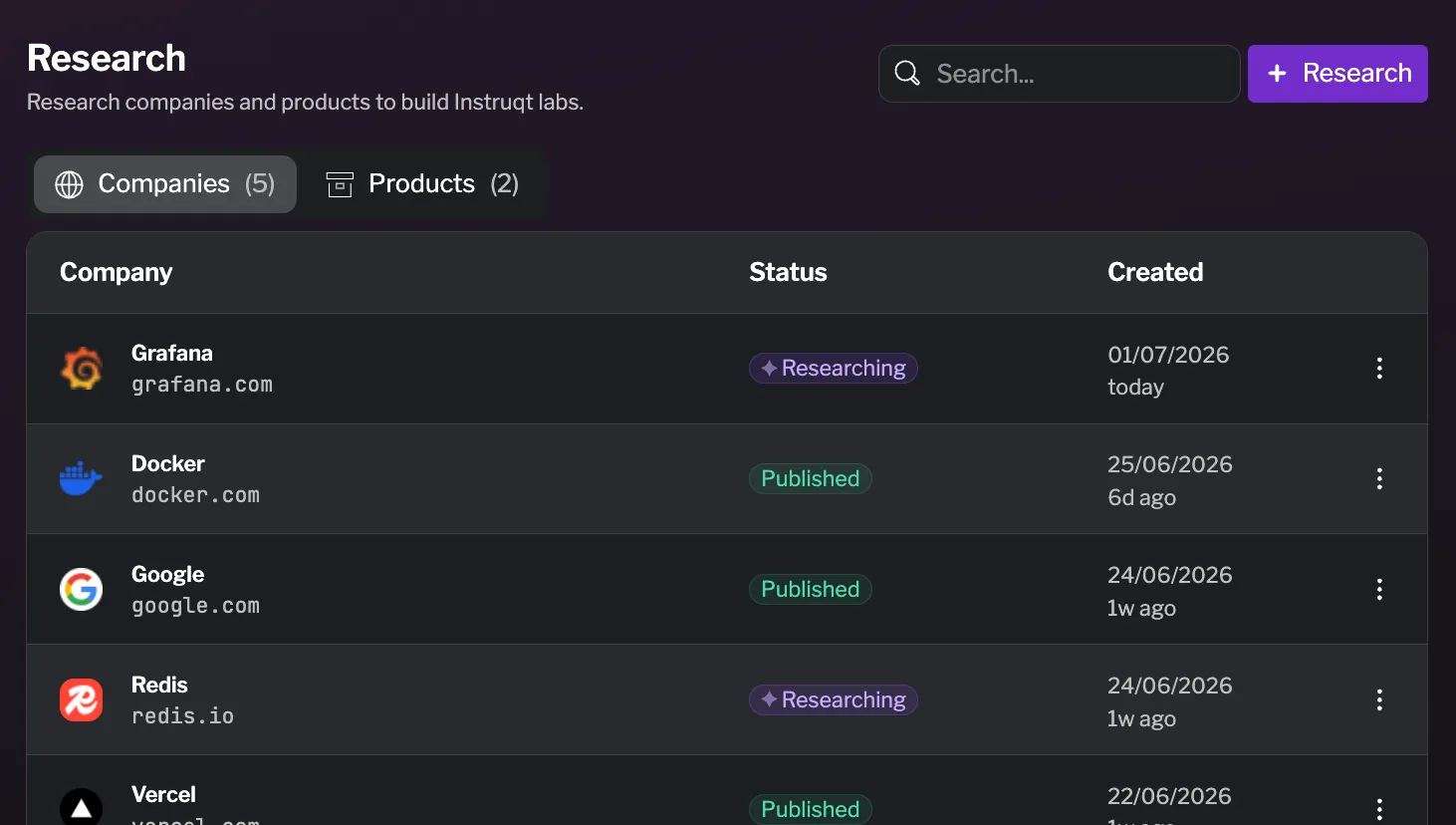
Companies and products
Section titled “Companies and products”Research is organized around two kinds of entities, shown on separate tabs:
- Companies — the primary research entity. A company profile captures business context, domain knowledge, and brand or style information.
- Products — research focused on a specific product. A product can either belong to a company (and appears nested under it on the Companies tab) or stand on its own as a Standalone product on the Products tab.
When you research a company, the agent can automatically discover related products and create product research items for them, so you don’t always have to add products by hand.
The research lifecycle
Section titled “The research lifecycle”Every research item moves through a small set of states, shown as a status pill in the list and on the detail page:
| Status | Meaning |
|---|---|
| Created | The research item exists but the agent hasn’t started yet. |
| Researching | The AI agent is actively crawling sources and writing the profile. |
| Published | Research is finalized and available for lab generation. |
| Failed | The research run encountered an error. Hover the status for details. |
The typical flow is:
- Start research — add a company or product by filling in a short intake form.
- Let the agent work — the AI crawls public sources and streams documents into the editor as it writes them.
- Review and edit — read the generated profile, leave comments for the agent, or edit it directly.
- Publish — finalize the research so it can be used to generate labs.
Why research matters
Section titled “Why research matters”Spending a few minutes on research up front pays off in the quality of every lab you generate afterward:
- Accurate content — the AI works from a real profile of your company and products instead of guessing.
- On-brand output — a generated style guide keeps tone and terminology consistent with your brand.
- A point of control — reviewing and editing research lets you correct or steer what the AI knows before it writes a single lab.
- Reusable context — published research can be selected again and again across many labs.